

Integrating Agno with Latitude
Latitude is an open-source observability and evaluation platform for LLM applications. By instrumenting Agno with OpenInference and exporting OpenTelemetry traces to Latitude, every agent run, tool call, and model call becomes a span you can inspect, search, and evaluate — with token usage, cost, latency, and full input/output captured automatically.Prerequisites
-
Install Dependencies
Ensure you have the necessary packages installed:
-
Setup Latitude Account
- Sign up for an account at Latitude (or self-host).
- Create a project and copy its slug.
- Obtain an API key from the project’s settings.
-
Set Environment Variables
Configure your environment with the Latitude credentials:
Sending Traces to Latitude
Example: Using Latitude with OpenInference
This example demonstrates how to instrument your Agno agent with OpenInference and send traces to Latitude’s OpenTelemetry ingestion endpoint.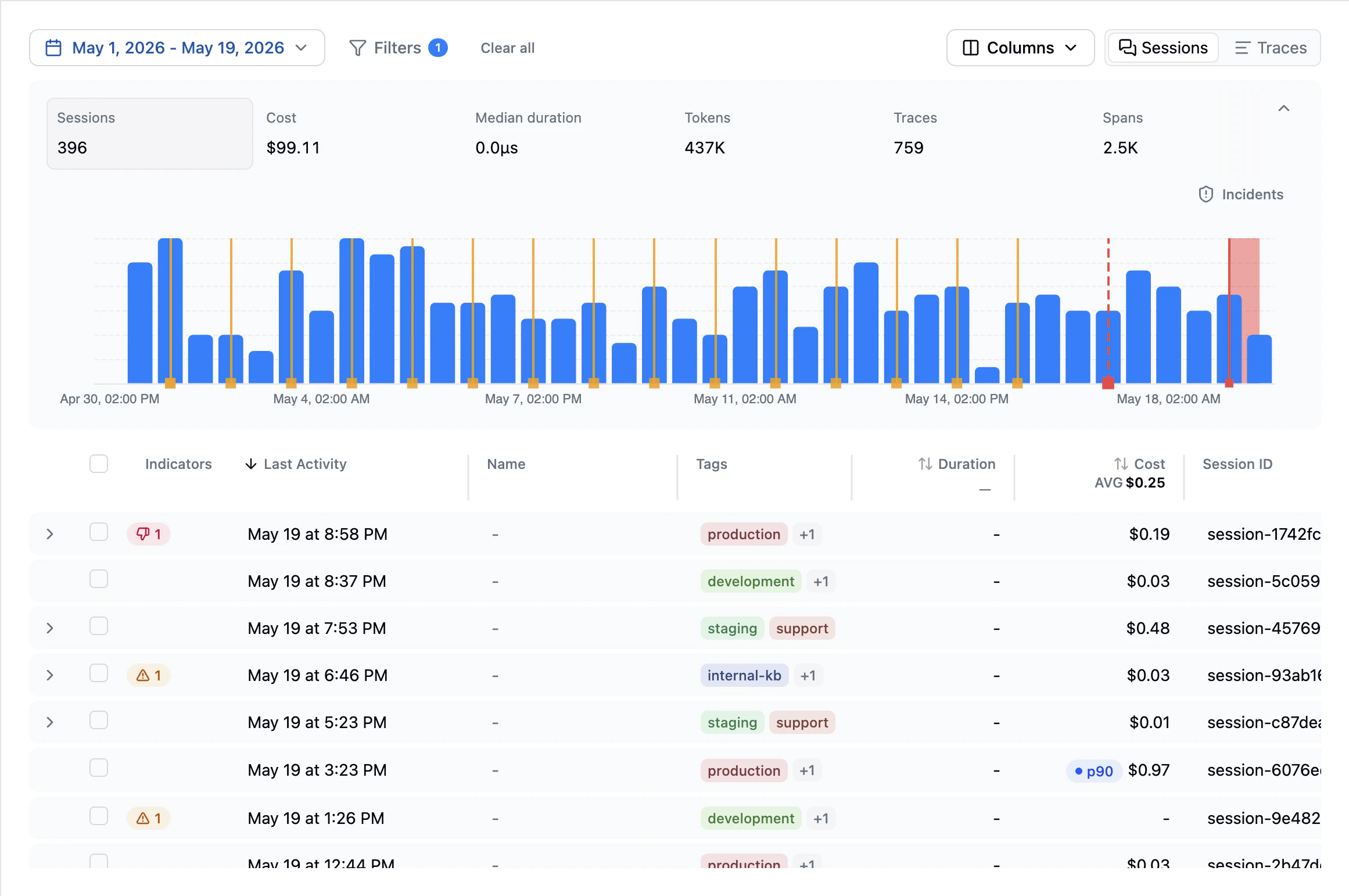
Notes
- Environment Variables: Ensure
LATITUDE_API_KEYandLATITUDE_PROJECTare set, and that the project slug matches a project in the organization that owns the API key. - Endpoint: The OTLP HTTP exporter appends
/v1/tracesto the baseOTEL_EXPORTER_OTLP_ENDPOINT. If you self-host Latitude, point the endpoint at your own ingestion host instead ofhttps://ingest.latitude.so. - Short-lived scripts: When tracing one-off scripts, call
tracer_provider.shutdown()(or use aBatchSpanProcessorand flush on exit) so the final batch of spans is exported before the process ends.